
An app can look impressive in its promotional video and still feel clumsy on your product page. The button may be hard to find, the upload flow may take too long, or the result may lose the very detail shoppers wanted to inspect. For a Shopify clothing store, the “best” virtual try-on app is the one that works across your actual products, devices, and buying flow.
This comparison is written by RealityTry, which is included below. We have not run a controlled image-quality test across every app. The table compares the publicly described product and billing approaches, then gives you a repeatable way to test apps yourself. App features and prices change; check each live listing before installing.
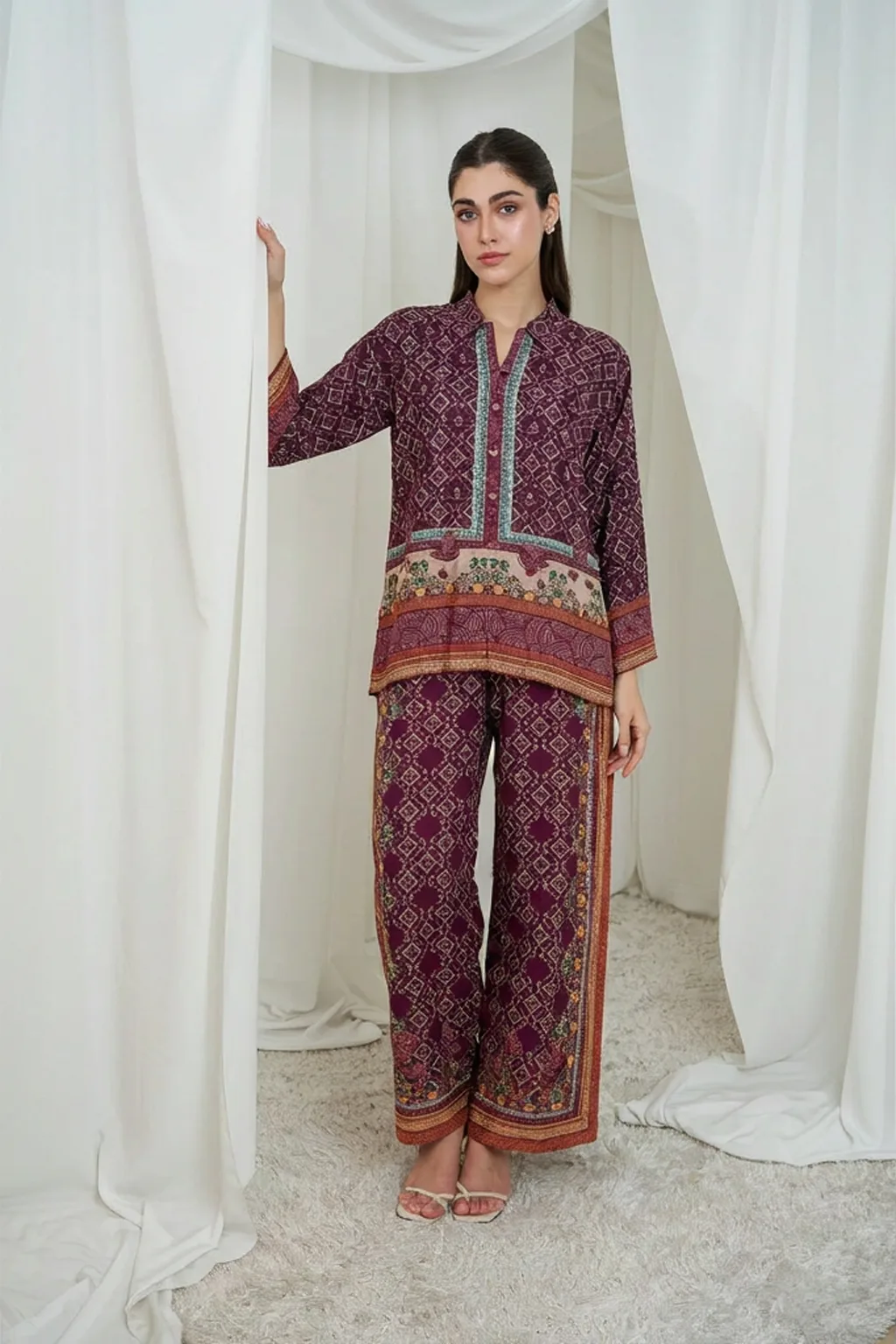
A practical comparison of Shopify apparel try-on apps
| App | Publicly described approach | What to verify in your own store |
|---|---|---|
| RealityTry Virtual Try-On | On-site apparel try-on with monthly generation tiers, product-page widget, and store dashboard features | Confirm current monthly limits, overages, plan-specific features, photo workflow, and how it behaves with your theme |
| TryYou | Try-on service with usage options tied to generation quality | Compare the price of the quality level you would actually use, plus any usage caps and retry rules |
| TryOnAI | Monthly generation packages with additional usage pricing described in its listing | Check included generations, the marginal cost above each tier, and what happens to failed generations |
| Drape AI Virtual Try On | On-site try-on with photo upload or preset model flows and additional product features | Test customization, mobile speed, product setup, usage terms, and whether its full feature set fits your store |
Use the current listings for details: RealityTry on Shopify, TryYou, TryOnAI, and Drape AI. For RealityTry's own plan terms, see the RealityTry pricing page. Listing descriptions are useful starting points; your install screen and app dashboard show the plan available to your store.
Compare the whole experience, not just the generated image
Run each app through the same checklist. Use representative products and the same device sizes. Start from a fresh product page as a shopper would, not from the app's admin preview.
1. Does the widget appear where shoppers need it? Check the product page on desktop and mobile. Make sure the try-on control is visible near the product decision area without covering variant selection, quantity, or add-to-cart. Then test theme changes and product variants.
2. How many steps does the shopper take? Count taps from the product page to a completed preview. Test photo selection and camera capture separately. Permission prompts, file formats, photo cropping, and unclear buttons can make a feature feel broken even when the model works.
3. How quickly does it feel responsive? Notice the delay before the modal opens, whether the page scroll locks smoothly, and whether progress is clear during generation. A useful tool should respond immediately to the click, even when image generation takes time. Test on a typical phone and a slower connection, not only a powerful desktop.
4. Does it preserve the garment? Check sleeve shape, neckline, print, embellishments, color, and layering. Try more than one category. A preview that handles a plain T-shirt may behave differently with a patterned dress, an abaya, or a garment worn with a scarf. Save a few representative outputs and assess them side by side.
5. Can you afford the usage at your actual volume? Compare the base subscription, included generations, additional usage, failed attempts, trial limits, and any cap. Calculate one normal month and one campaign month. Our pricing guide shows the arithmetic using product-page traffic.
6. Do you understand photo handling? Read how uploads are processed, retained, deleted, and protected. Make the shopper-facing notice easy to find. Do not assume that every provider has identical retention or training policies.
Match the app to your store
If you want a monthly allowance, look for clear included usage and a clear explanation of what happens when you reach it. If your traffic is uneven, pay attention to rollover, top-ups, and caps. If you sell garments with important details, make image fidelity part of the test rather than choosing from a generic “photorealistic” claim.
Stores selling multiple languages should open the widget in each storefront language. Check alignment and text direction for Arabic, as well as the behavior of camera permission prompts and upload errors. An app that looks tidy in an English admin preview may still need testing in your customers' storefront.
If your main goal is sizing advice, confirm that the app actually estimates size from validated measurements. A generated visual preview is not automatically a size recommendation. Keep a virtual dressing room experience in the same category as your size guide only when it provides the same kind of evidence.
Our recommendation: shortlist, then test
Pick two or three apps that fit your budget and required workflow. Install them on a development theme if possible. Test a set of garments your customers really buy, including the hard cases. Record widget load time, completion rate, failures, image quality, generation cost, and the number of steps. Ask a few shoppers or staff members who did not build the feature to try it without coaching.
Then pick the app that best meets your requirements and run a measured rollout. Monitor completed previews, add-to-cart, purchases, returns, and support tickets. Keep a control group if you want to claim business impact. A polished demo is a reason to test an app; it is not evidence that it will improve your store's results.
Frequently Asked Questions
What should I look for in a Shopify virtual try-on app?
Check storefront integration, mobile responsiveness, garment detail preservation, upload and camera flows, privacy terms, analytics, language support, generation limits, and overage rules.
How do I compare virtual try-on apps fairly?
Use the same representative products and devices, follow the shopper flow from product page to result, record failures as well as successes, and compare the actual price at your expected generation volume.
Is a try-on preview the same as a size recommendation?
No. A visual preview helps shoppers imagine an appearance. A size recommendation estimates a size. Unless an app explicitly offers a separately validated sizing feature, keep size charts and garment measurements available.
Should I choose an app based on its demo images?
A demo can show what is possible, but test your own product imagery, garment details, mobile theme, and customer photo workflow before relying on it in a live store.
How can I tell whether an app is fast enough?
Test the opening interaction, upload steps, loading feedback, and generation on a typical mobile device and connection. Track completion time and failures over a real sample of sessions.
Can I use virtual try-on for abayas and other detailed garments?
Test those exact styles. Results can vary with layered clothing, scarves, embroidery, long silhouettes, and product-image quality. Do not infer performance from a basic top or dress demo.